 0:40
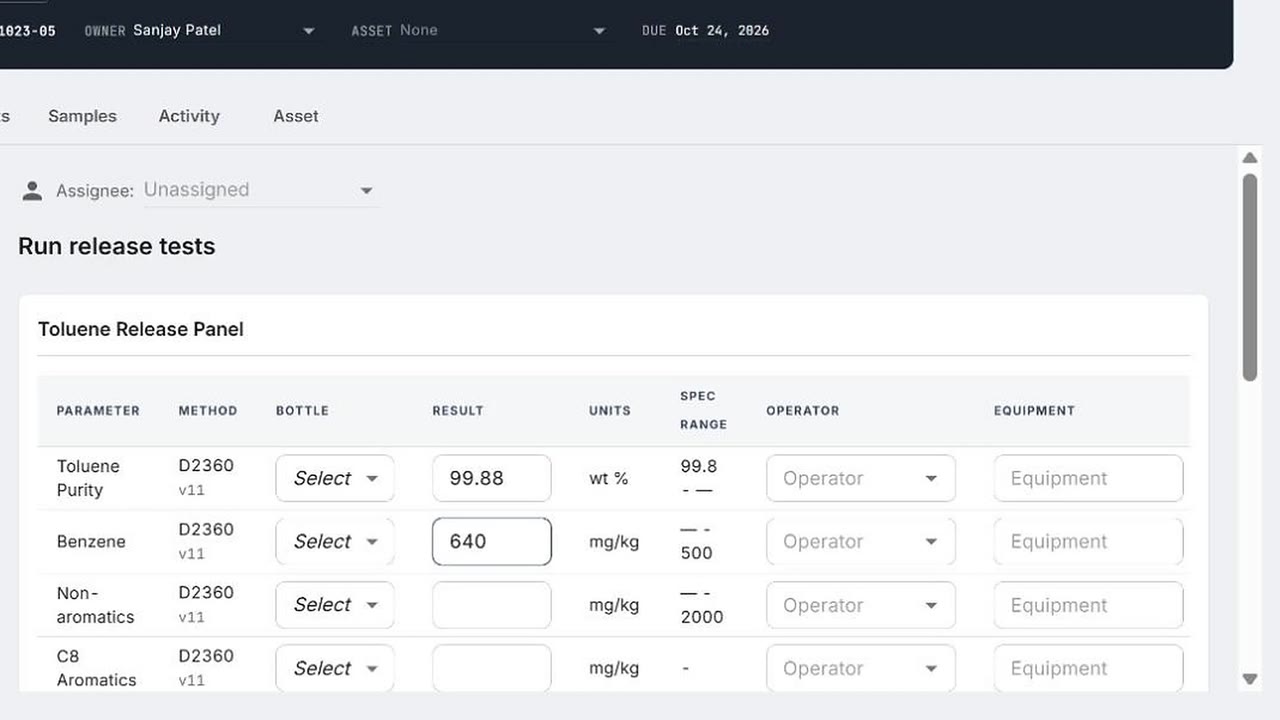
0:40Out of spec, flagged on the spot
An out-of-spec result flags the run, opens the retest step, and puts the batch on the alert list.
 0:37
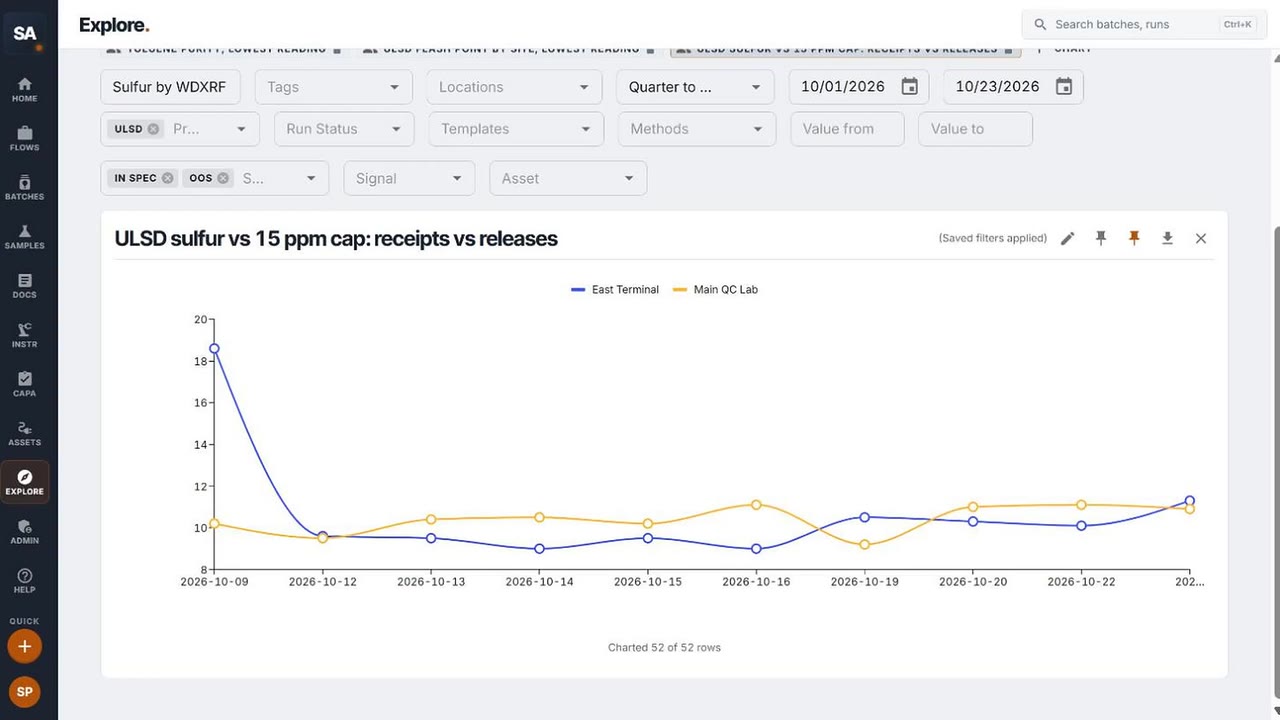
0:37See the trend, not just the result
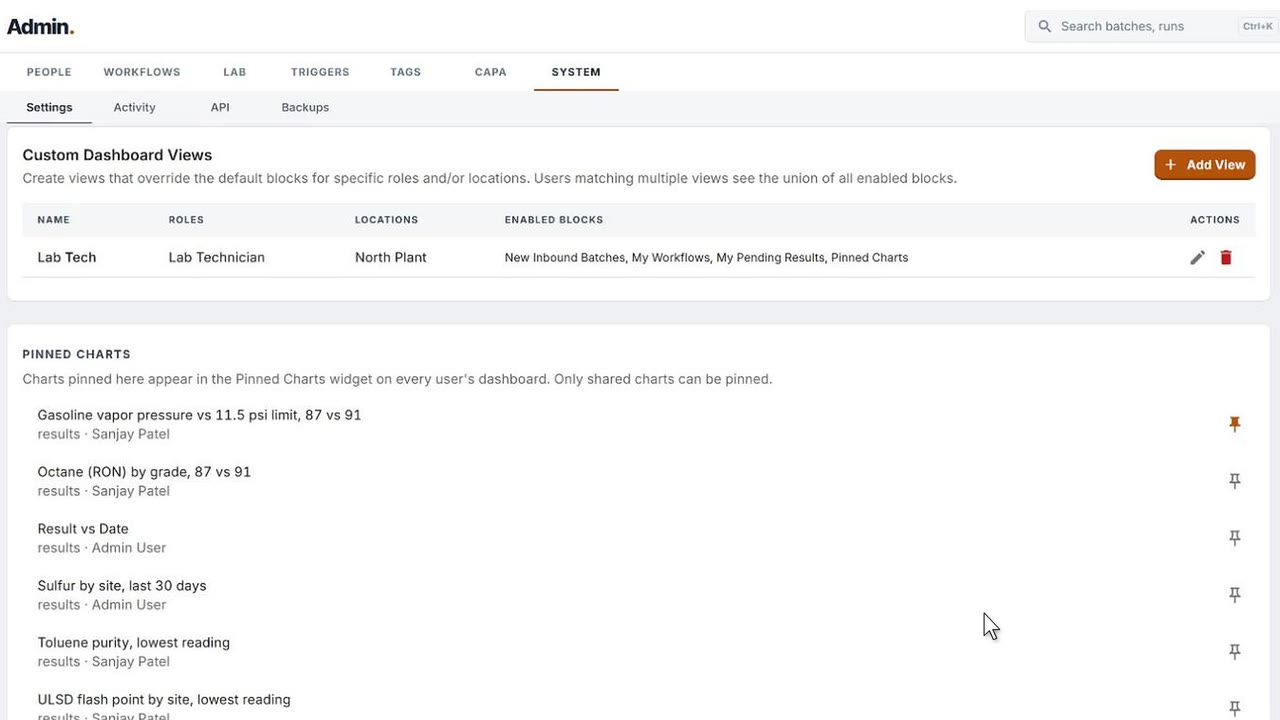
Saved charts in Explore: sulfur by site, toluene purity, vapor pressure by grade, pinned to the Command Center.
 0:48
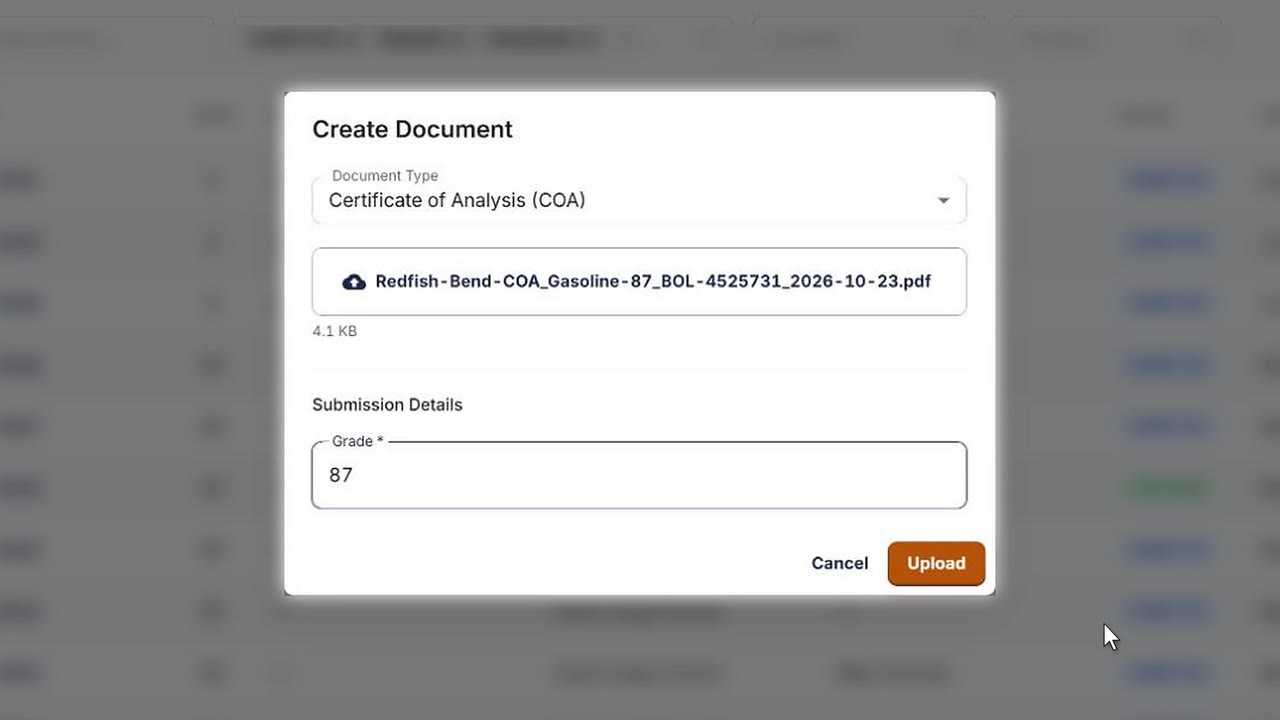
0:48Supplier COAs, checked on arrival
A supplier’s COA is read into a table and checked against the terminal’s own spec the minute it arrives.
 0:37
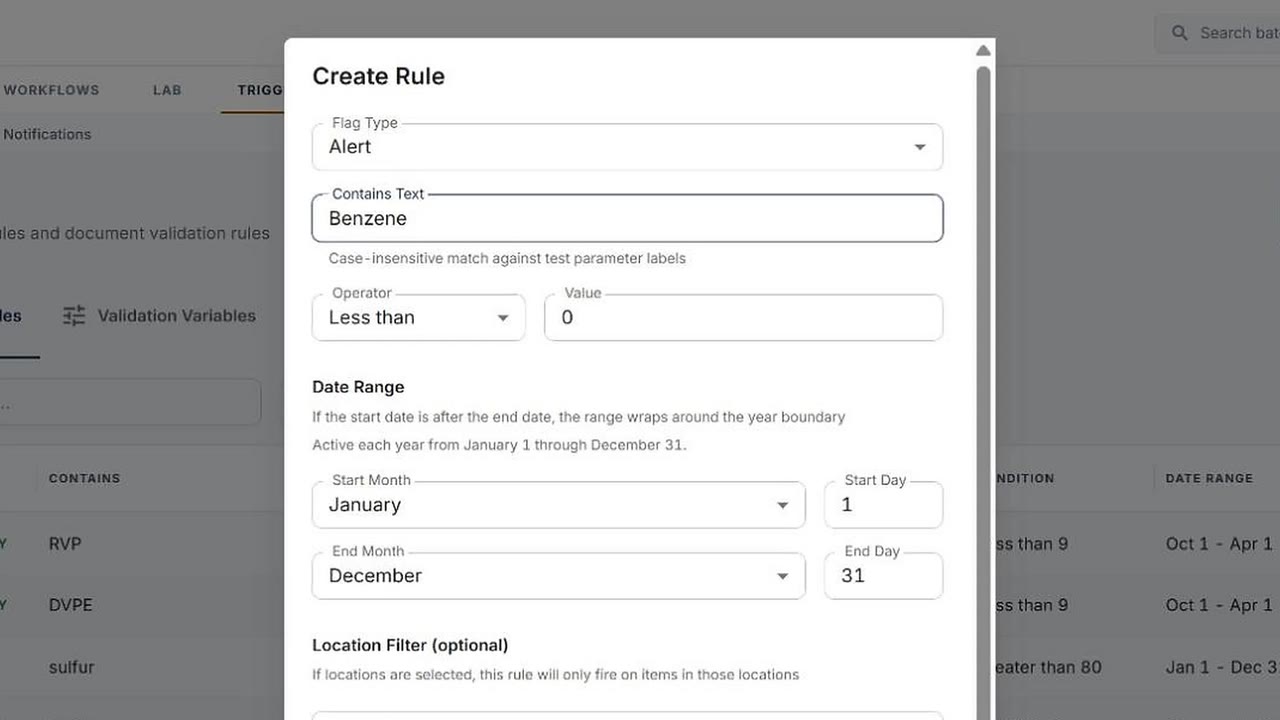
0:37Your rules, in your words
The lab adds its own alert rule and its own dropdown values. No ticket, no change order.
 0:25
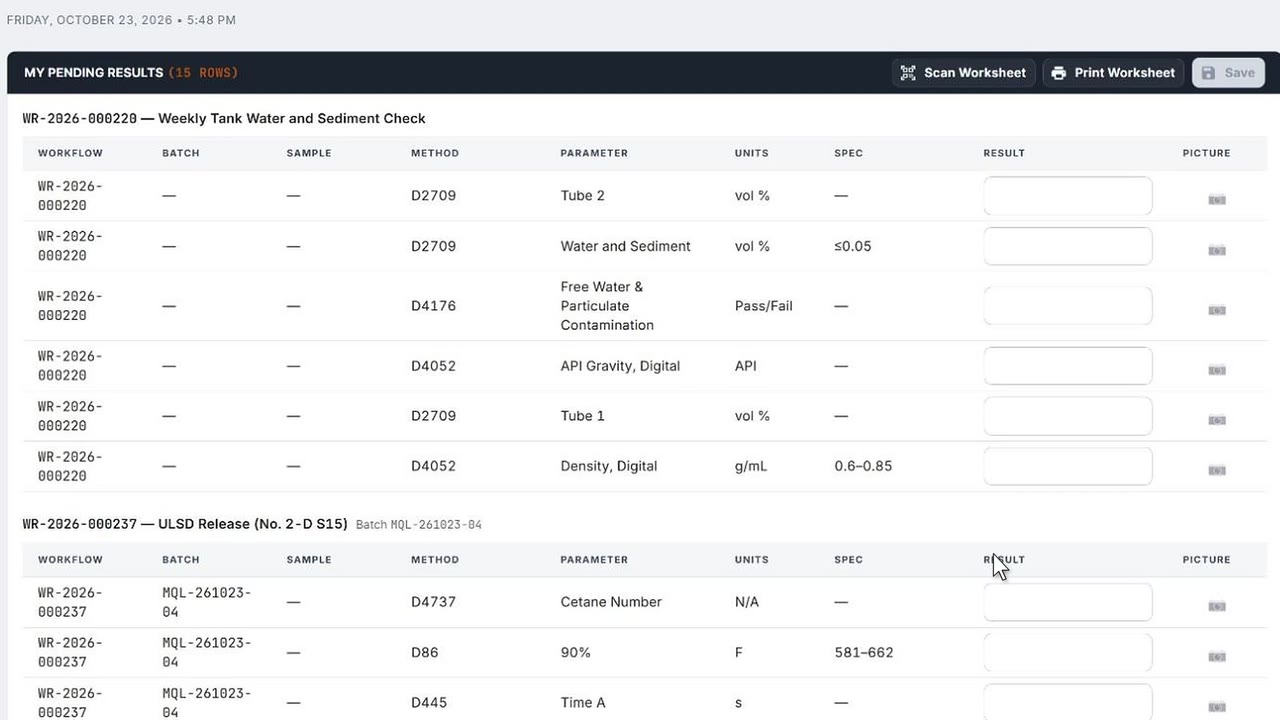
0:25A photo becomes a result
A photo of an instrument display becomes the result, ready for the analyst to check and save.
 0:27
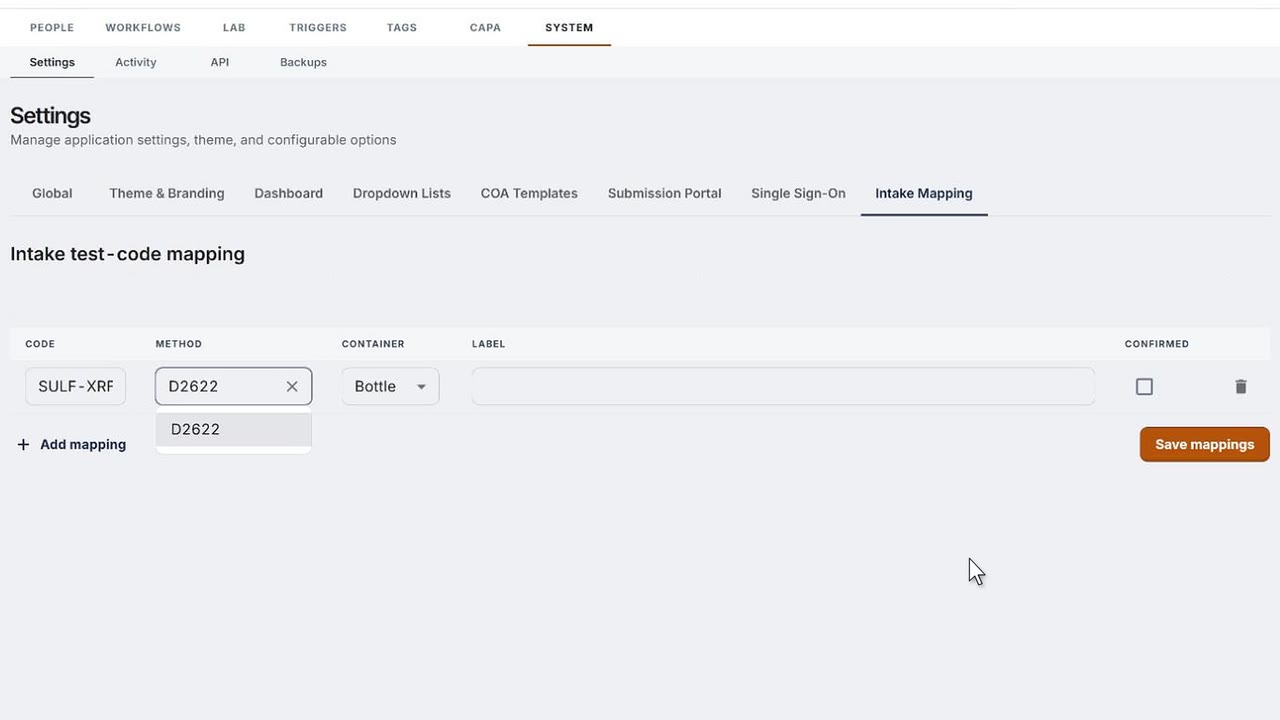
0:27Your old codes, mapped once
The lab’s old test codes are mapped once to SI LIMS methods. Anything unmapped is flagged in the intake preview.
 0:23
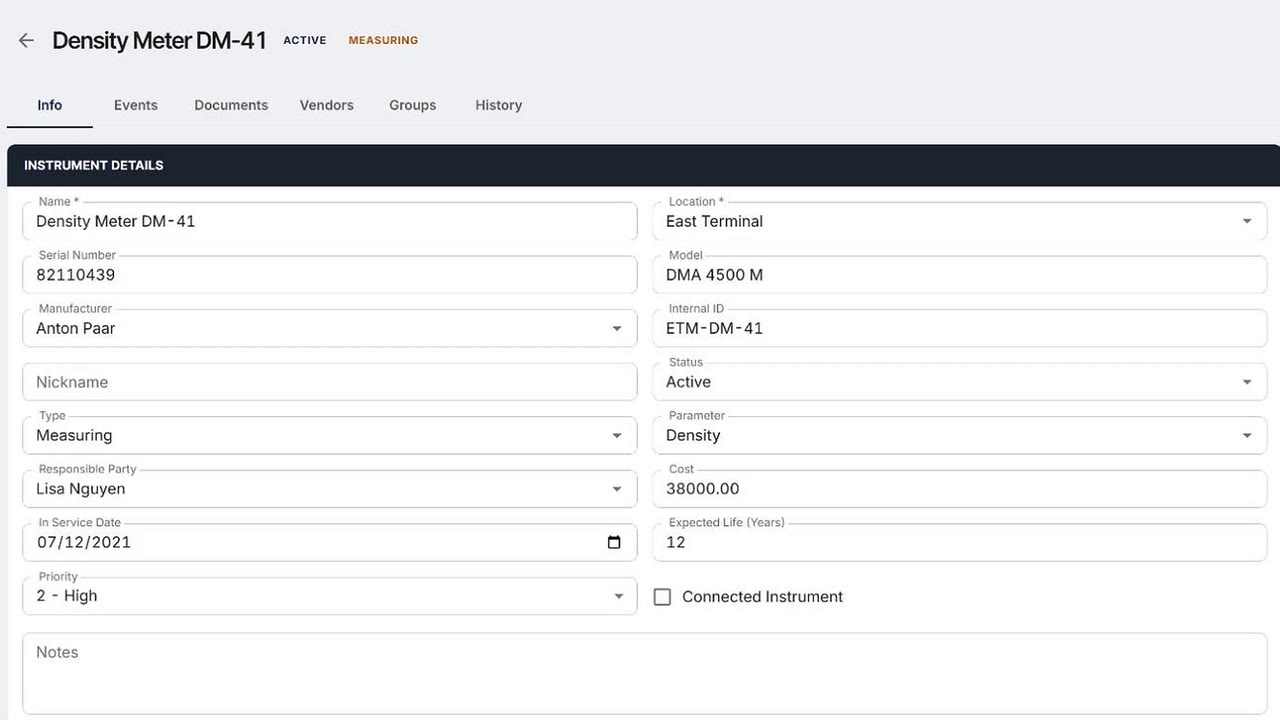
0:23Every instrument, on the calendar
Calibrations due and instruments overdue, across every site, in the same system as the results.
 0:23
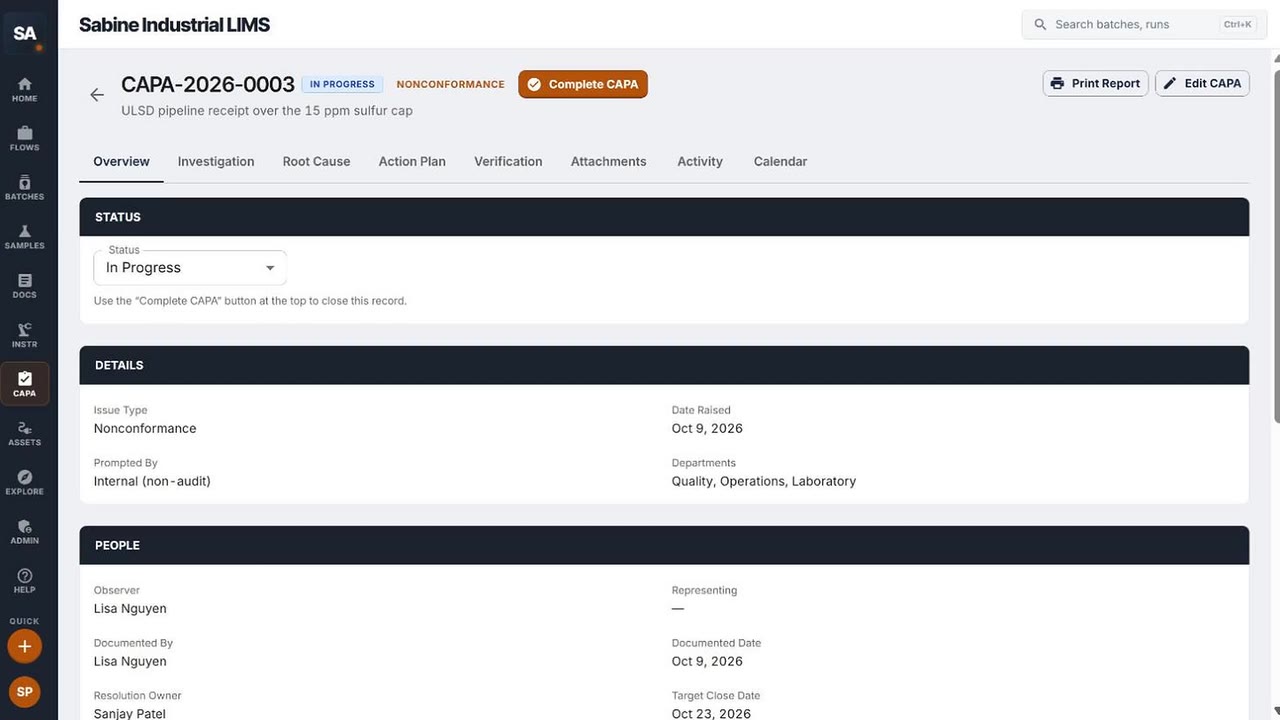
0:23CAPA, next to the results
Corrective actions with root cause, owners and target dates, in the same system as the results that started them.
 0:27
0:27A Command Center for every role
Command Center views by role and location, set up by the lab itself.
 0:18
0:18Your report, out to CSV
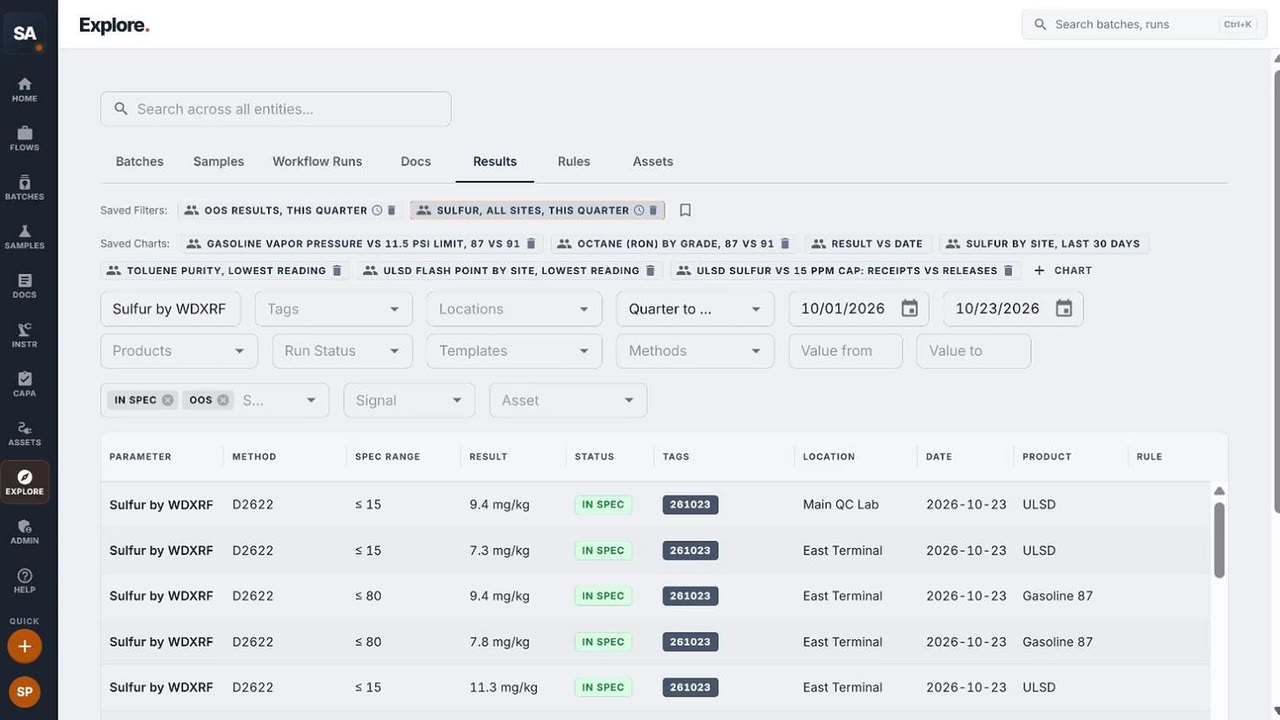
This quarter’s sulfur results from every site, exported to CSV.
 0:26
0:26Suppliers submit, the lab checks
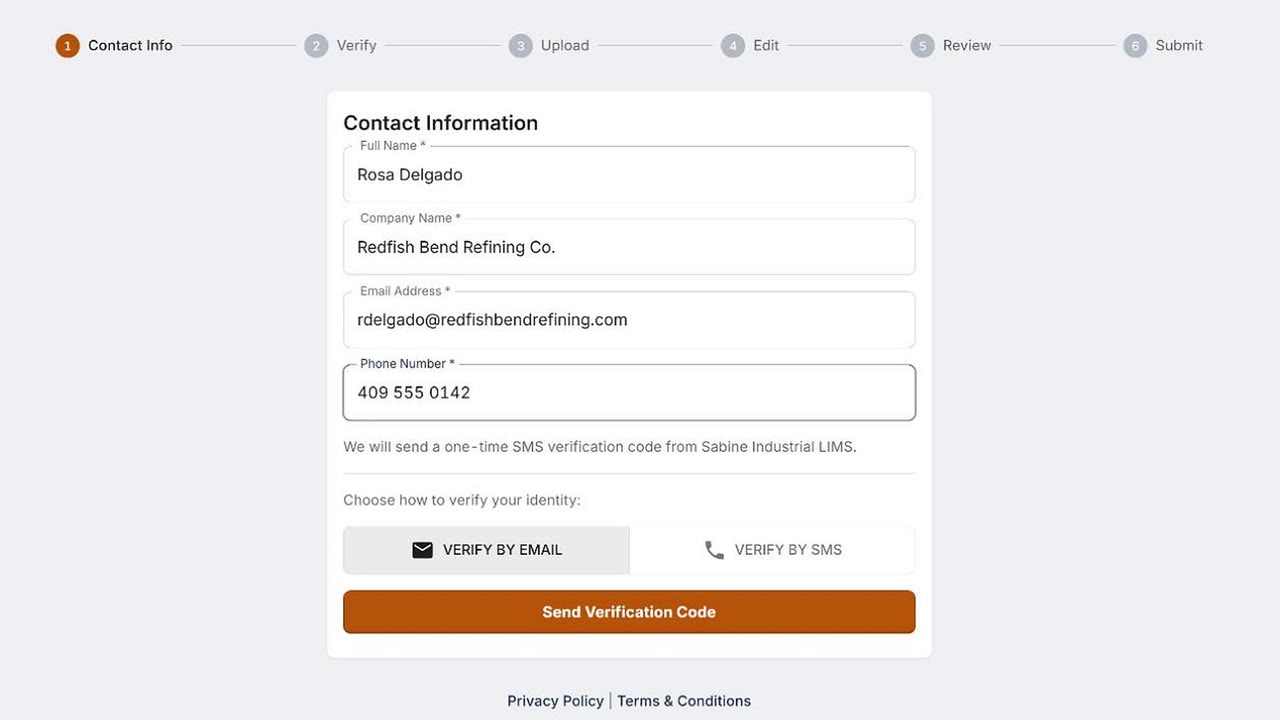
Suppliers and outside labs send documents through the portal, into the lab’s queue and its rules.